

SAMPLES
(Click to zoom, navigate with arrow keys or mouse)
LACE
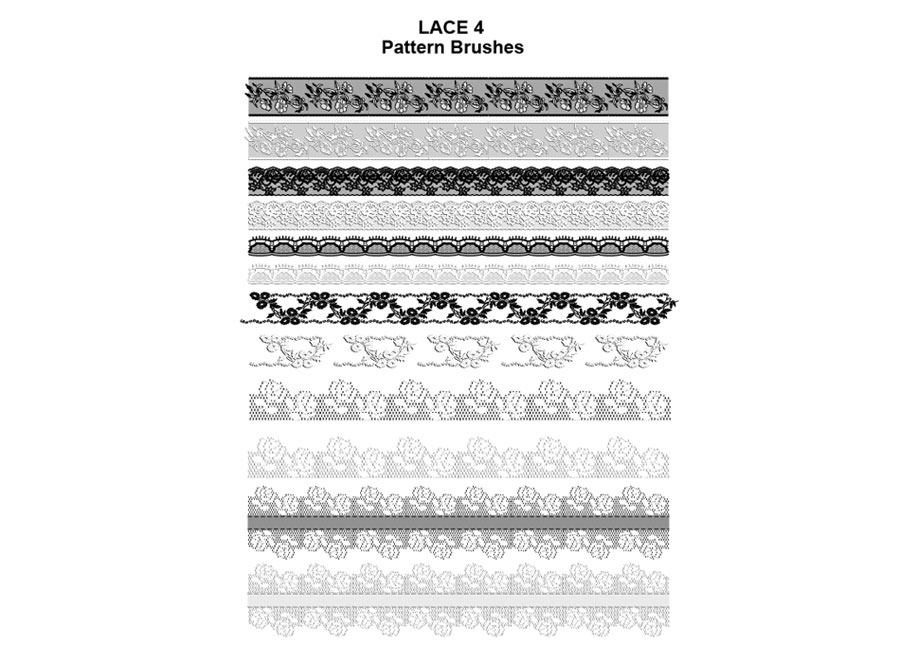
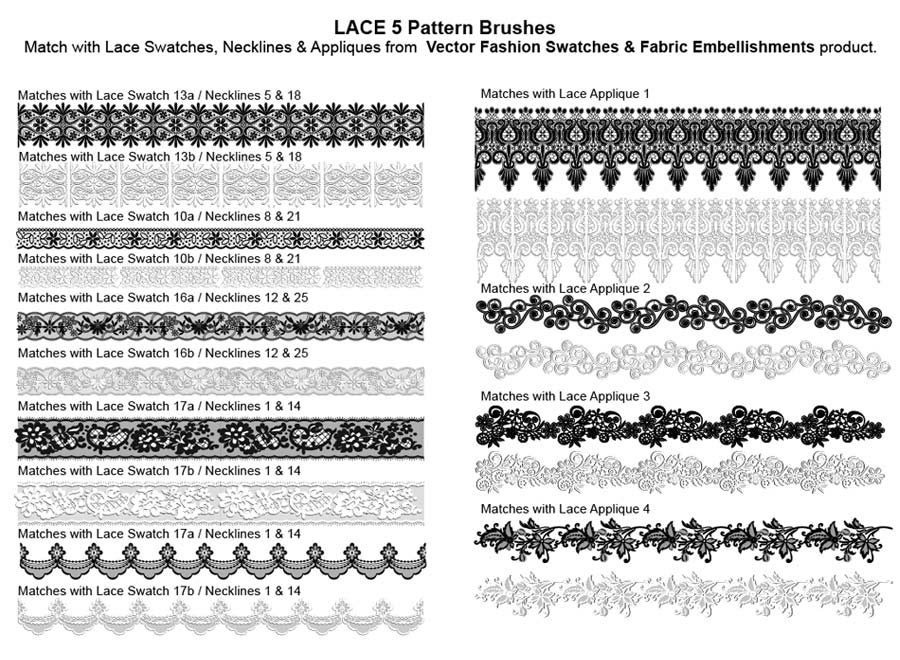
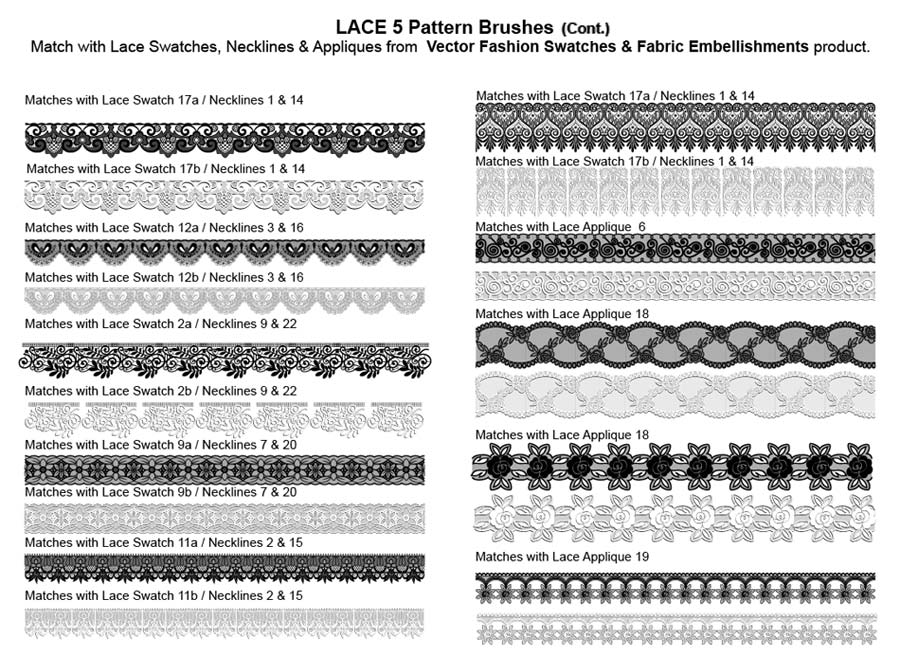
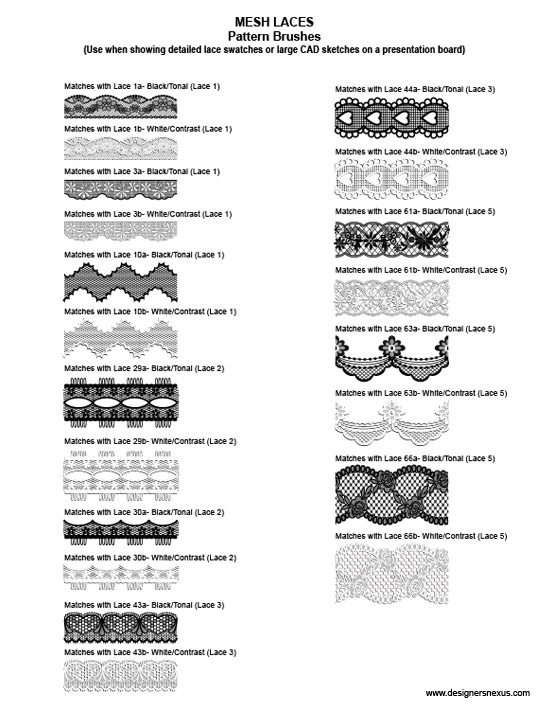
EMBROIDERY / MESH / NOVELTY

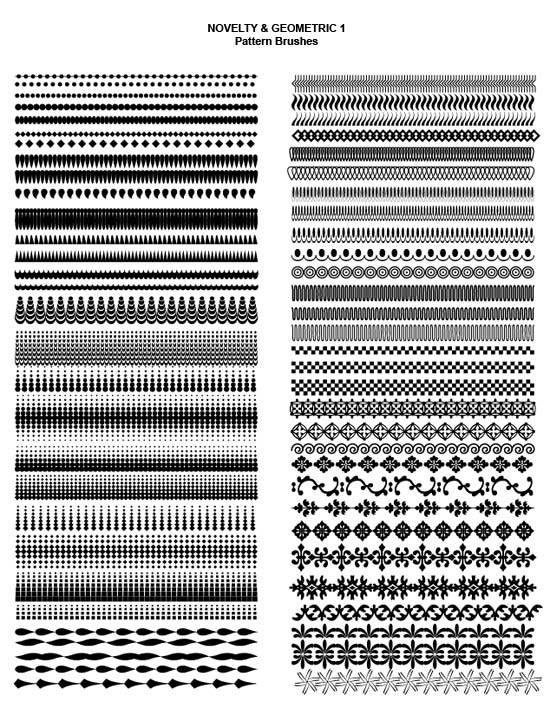
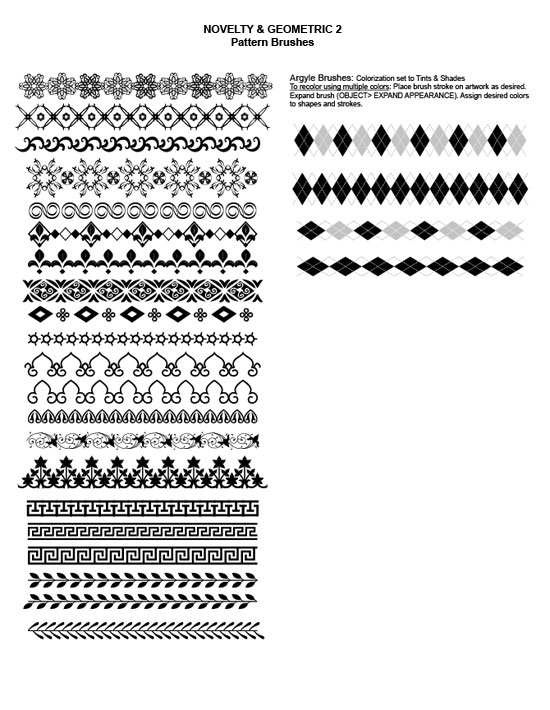
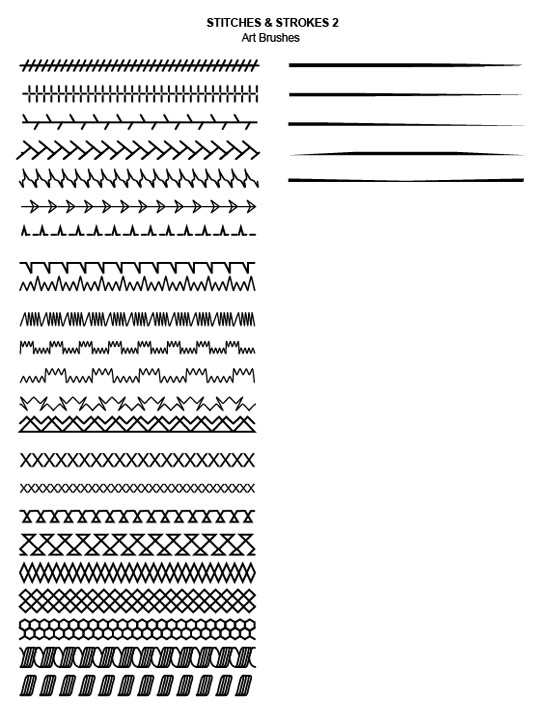
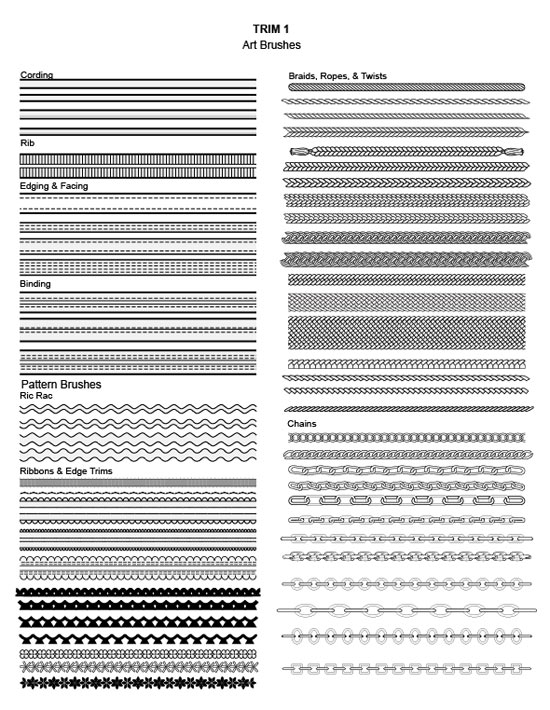
STITCHES & STROKES / TRIM

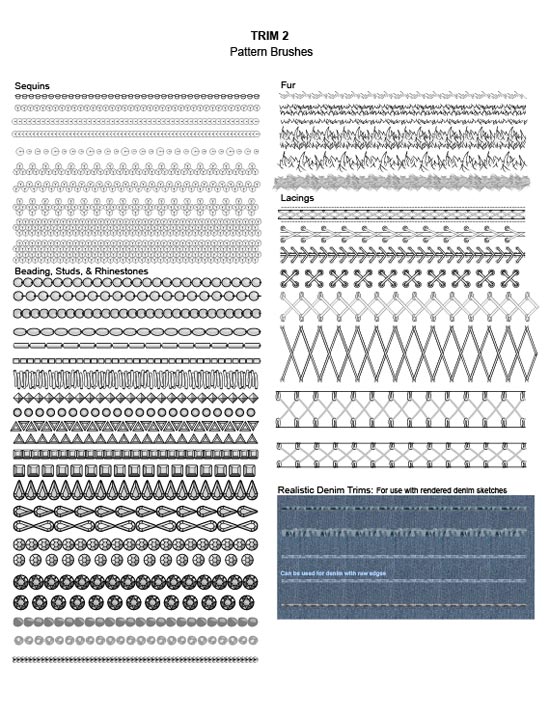

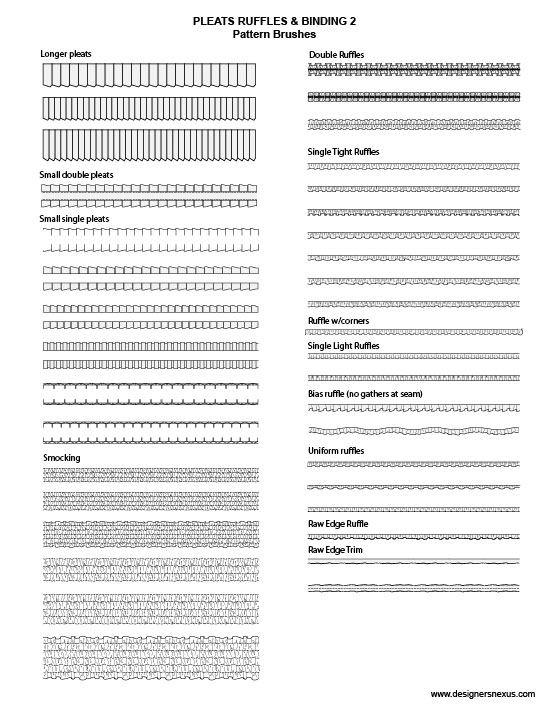
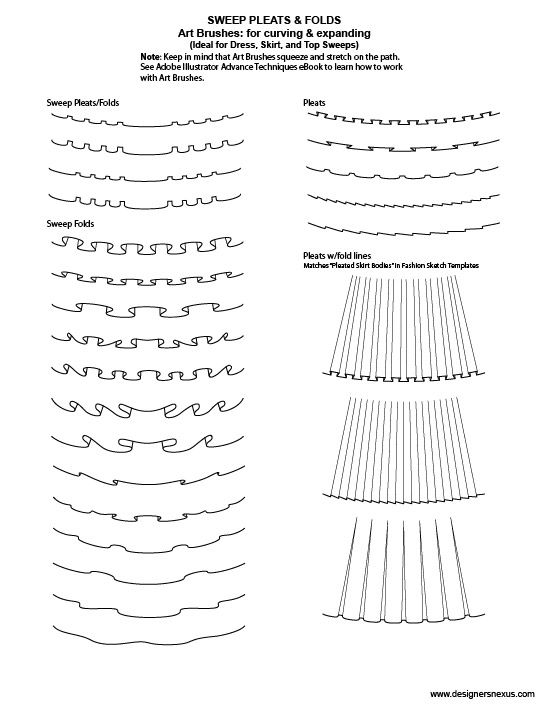
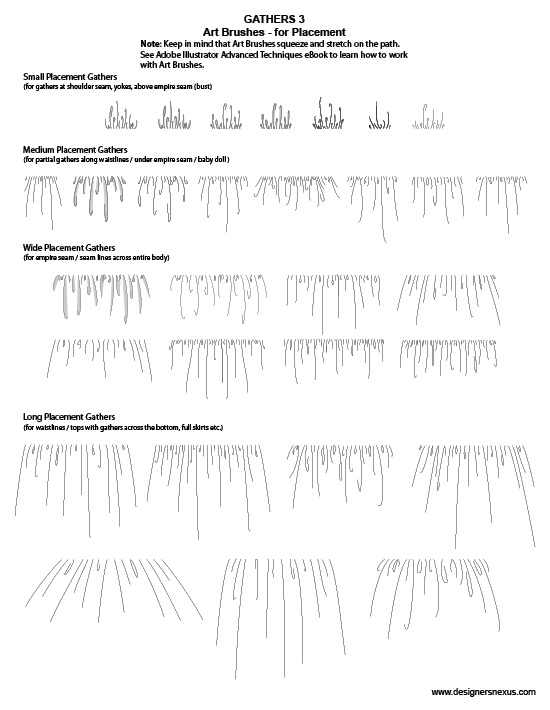
RUFFLES & GATHERS



FEATURES
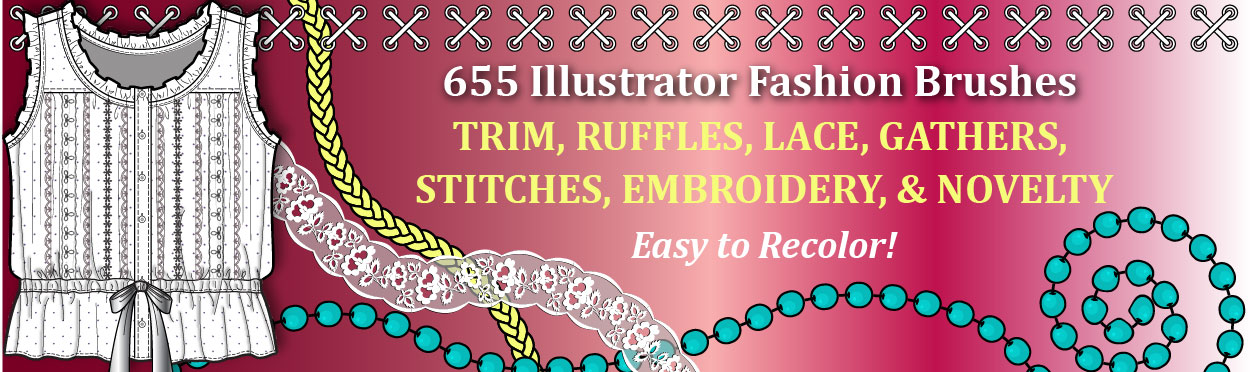
TOTAL 655 brushes: now with 226 NEW
Adobe Illustrator Vector Brushes.
LESS than $0.04 per brush
that take hours to make!!!
- 76 Stitches & Strokes Brushes (3 NEW)
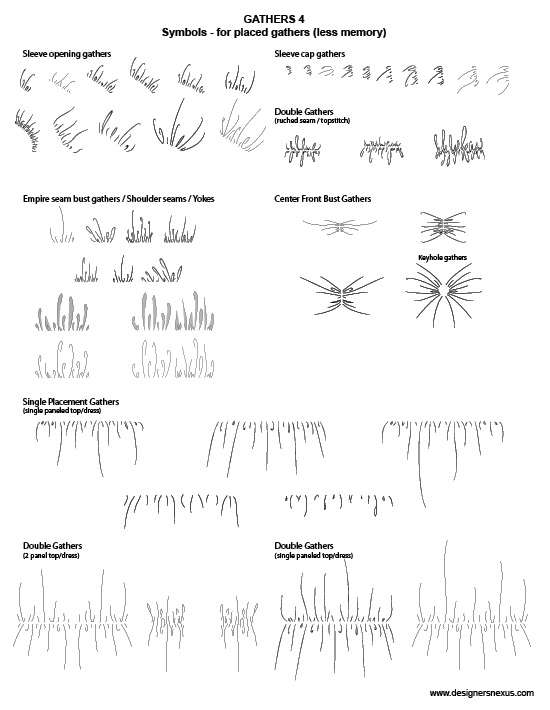
- 226 Ruffles & Gathers Brushes (106 NEW)
- 141 Trim Brushes (49 NEW)
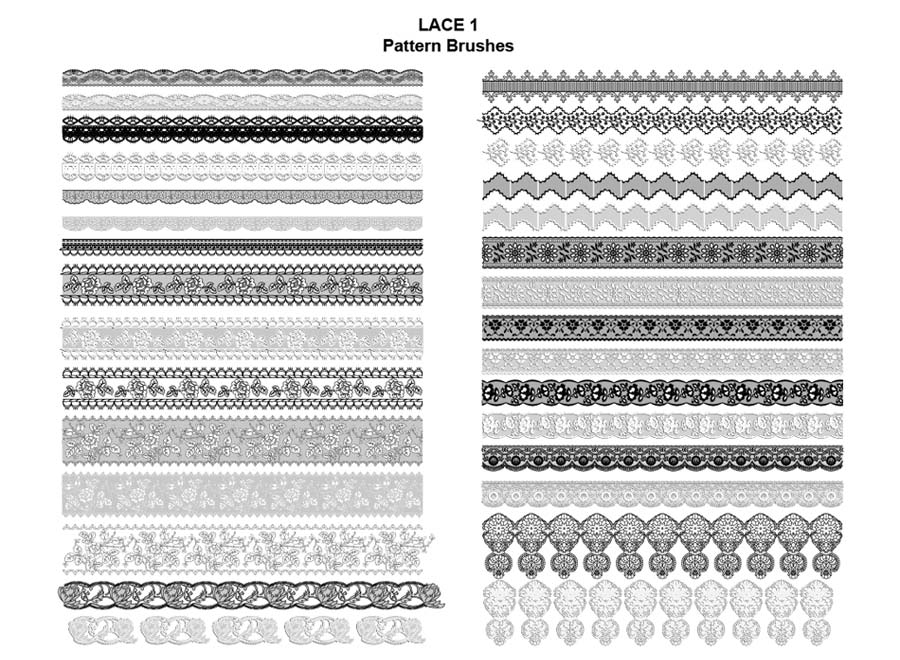
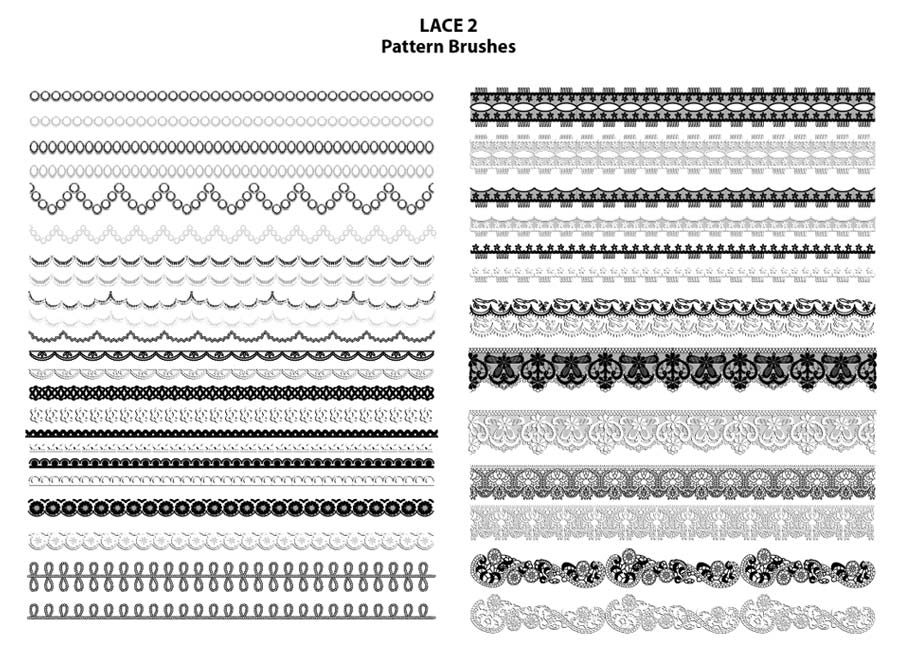
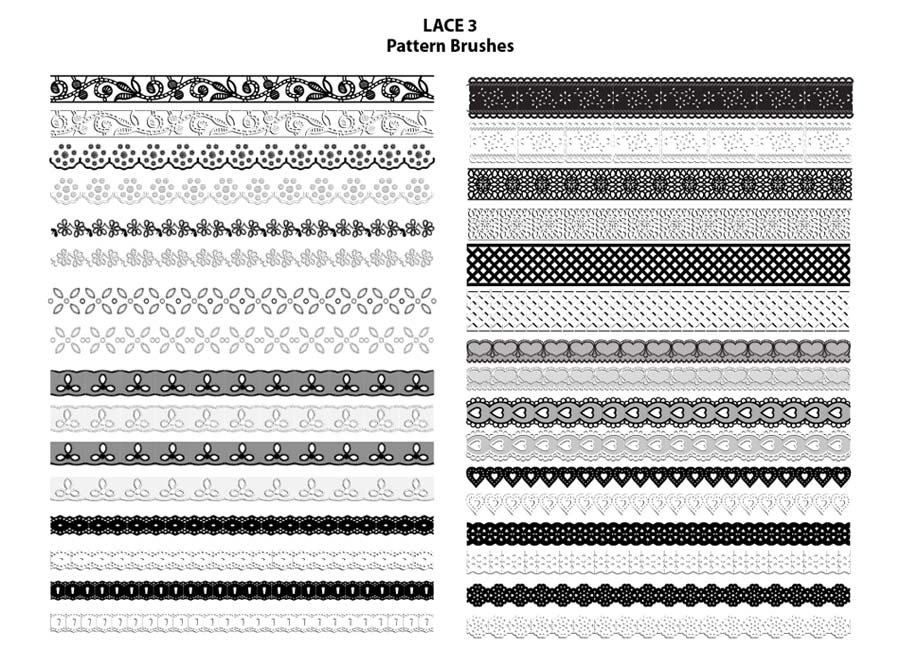
- 76 Lace Brushes (28 NEW)
- 54 Embroidery Brushes (10 NEW)
- 82 Novelty & Geometric Brushes (30 NEW)
BENEFITS
- Eliminate the need to sketch each garment stitch and trim individually
- Easily apply accurate trims and details such as lace, ribbons, and topstitching to fashion sketches and CADs with just a few clicks!
- Save hours of sketching time
- Easily scale and recolor vector brushes by changing the stroke size or stroke color
- All Illustrator Fashion Brushes to match the 1/8th scale of the apparel design sketches in our Fashion Sketch Templates!
DESCRIPTION
This collection of pre-sketched Adobe Illustrator Fashion Design Brushes allows apparel designers to quickly add stitches and trims to garment flat sketches and CADs quickly and accurately. Adobe Illustrator Fashion Design Brushes includes over 650 Illustrator vector brushes for common apparel stitches, trims, and details, including: embroidery, topstitching, trims, gathers, ruffles, smocking, lace, ribbons, beading, fringe, twill tape, grosgrain, ric-rac, fur, sequins, braiding, and more!
Stop drawing trims and details individually for each garment sketch, or leaving them out all together! With a library of pre-sketched Adobe Illustrator Fashion Design Brushes handy, you can apply even the most complicated apparel trims like lace, embroidery, and fringe to your fashion sketches and CAD presentations with just a few clicks!
DOWNLOAD INFORMATION
- Contents: Adobe Illustrator files
- Size: 71 MB
- Download Time: 2-20 minutes
- Format: Compressed ZIP file
- Uncompress PC: Automatic, double click or download the free Zip Reader if needed
- Uncompress Mac: Automatic, double click or download the free StuffIt Expander if needed
USAGE INSTRUCTIONS
- In Adobe Illustrator, click FILE -> OPEN and select the Sample page for the desired brush set. Strokes of each brush are displayed on the page.
- Select and Copy the desired brush sample and paste it into the document with your artwork.
- The pasted brush will automatically be added to the Illustrator Brushes panel and will be saved with your Illustrator document.
SOFTWARE REQUIREMENTS
- Adobe Illustrator CS or later
- Basic Adobe Illustrator skills
- Adobe Reader for the instructions PDF
TECHNICAL AND BILLING SUPPORT
- If you need help or have any questions, please contact us through the form. We respond within 24 hours, usually much faster.
DOWNLOAD SUPPORT
- After purchase, you will receive two emails: your purchase receipt from PayPal and your download link from us.
- If you don’t see our download email within minutes, please check your spam (junk mail) folder. If you still can’t find it, let us know.
- Your purchase receipt will include an email and a phone number where we may be reached, depending on our availability in the Eastern US time zone.
Hassle-Free Product Replacement – See our Product Guarantees!
655 Fashion Design Brushes
$24.95





(195 ratings: please vote!)